
Your route reps, inside sales and buyers ask Workd what each restaurant usually buys, what changed and what has to move, and they enter orders by voice straight into your ERP. Run your foodservice distribution business by voice.
Try a sample conversation
Restaurants order late, change orders until the last minute and expect delivery first thing in the morning. Every one of those changes ends up as typing for your reps and inside sales.
The national broadliners are investing heavily in apps, tracking and forecasting. You can’t match their scale, but you can win on service, relationships, local knowledge and speed, if your team isn’t buried in order entry.
Every order and change, said out loud.
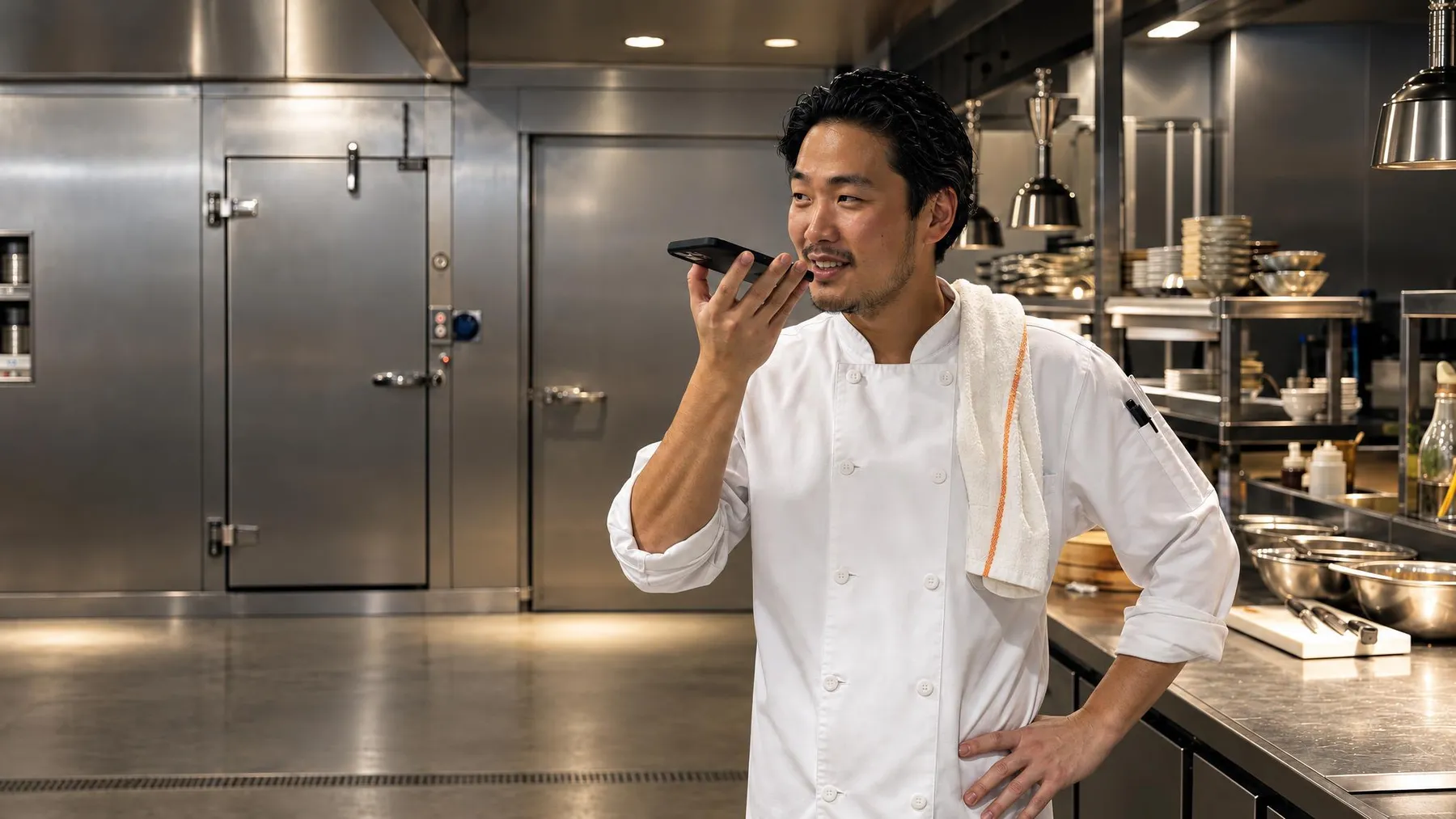
A route sales rep starts the day with a printed list and a memory of last week. She finds out a restaurant stopped buying produce when the chef mentions it.
The rep asks Workd for the day’s briefing. Bella Vista skipped produce three weeks running, and two accounts have events this weekend.
Reps spend hours a day keying in orders from texts, voicemails and notes on the back of an invoice.
Reps say the order out loud: “Bella Vista, usual Tuesday plus 3 cases of oil, hold the romaine.” Workd enters it with the changes. Reps stop typing and start selling.
A rep notices a restaurant skipped its produce order last week. Nobody followed up, and the chef already found another supplier.
Workd flagged the missing order to the rep right away. The chef wasn’t happy with the tomatoes, the rep brought premium samples and the account stayed.
Buyers find out about aging product when it’s already a write-off.
The buyer asks Workd what has to move this week. It lists the items and the accounts that usually buy them, and the reps work the list.
A new restaurant wants an account. Paper application, credit check and a catalog walkthrough take days.
The rep sets it up by voice from the restaurant. Workd runs the credit check and suggests a starter order for the restaurant type.
The rep’s notes about menus, complaints and new chefs stay in her head.
The rep talks through the day on the drive home. Workd logs each stop, notes the complaints and sets Thursday’s sample drop.
Product arrives at full value, with its shelf life tracked by lot.
Workd forecasts demand from customer patterns, events and season.
Your buyer asks what has to move, and Workd names the accounts that usually buy it.
Reps offer it on their route, so it never reaches the write-off.
An example shelf-life timeline for one perishable item.
Reps get a briefing on every stop, enter orders by voice and log visits by talking. They spend their time with chefs, introducing new products and growing accounts.
Inside sales asks for stock, truck capacity, substitutions and order status out loud, and makes changes without clicking through screens.
Operators, concepts, menus and delivery preferences in one place. Workd tells the rep when ordering patterns shift.
Workd learns each restaurant’s week of proteins, produce, dairy and dry goods and suggests changes to the rep for busy periods.
Buyers ask what has to move and managers ask which accounts are slipping. Both get the answer in a sentence.
“Bella Vista, usual Tuesday plus 2 cases of tomatoes, and hold the romaine.” Workd knows the usual order and enters it with the changes. Reps stop doing data entry and start selling.
When a regular orders less, changes the mix or goes quiet, Workd tells the rep before the next stop, so she can ask before a competitor does.
Workd predicts what you’ll need from weather, local events, season and customer patterns, so buyers buy smarter, spoil less and fill more.
“They usually double produce before Valentine’s Day. Want me to suggest it?” Workd prompts the rep to adjust standing orders for holidays and menu changes.
Routes account for traffic, delivery windows, refrigeration and stop priority. Customers get accurate ETAs and the cold chain stays intact.
When a chef calls after your office closes, Workd can take the add-on, check stock and truck capacity, and leave it for your team to see first thing.
Move the sliders to match your operation. The result is an estimate from the numbers you enter, not a benchmark.
Your team asks out loud and Workd reads live stock across every branch, customer pricing, open orders and account history from your ERP, then writes their visits, quotes and orders back to it. Nothing gets ripped out.
See every integration → NetSuiteCloud integration
 SAP Business OneEnterprise setups
 Dynamics 365Microsoft stack
Yes. Workd knows each customer’s history and standing orders, so a rep can say “Bella Vista, usual Tuesday plus two cases of tomatoes, hold the romaine” and it goes into your system with the changes.
Anything your systems know about a restaurant: what they usually buy, what changed, open orders, truck capacity, substitutions and their last visit. Reps can also tell Workd what happened at a stop, and it logs it.
Workd forecasts demand from customer patterns, events, weather and season, tracks shelf life by lot, and tells your buyers and reps what needs to move and who usually buys it before it becomes a write-off.
It can, as a backup for late add-ons after the office closes: it confirms stock and truck capacity, adds it to tomorrow’s delivery and leaves it for your team. The main job is giving your own people answers and taking the typing off their plate.
Workd connects to the ERPs foodservice distributors run, including Produce Pro, LINKFRESH, CSB-System, NetSuite and SAP Business One, with live inventory, lot tracking, pricing and order status.
Distributors from $5M to $1.5B run their sales, orders and deliveries on Workd. Live on the ERP you already run in two to four weeks.